
Download Speech To Text – Free Voice‑to‑Text Software for Windows & Mac
Overview
Speech To Text is a lightweight, no‑cost utility that turns spoken words into editable text in real time. Built on the same core engine that powered the classic Windows 7 voice recognition suite, the app has been stripped of all command‑oriented features, leaving a pure dictation experience. This design choice eliminates the learning curve associated with voice commands – you simply speak into your microphone and watch the software transcribe your speech onto a document, a note, or any text field.
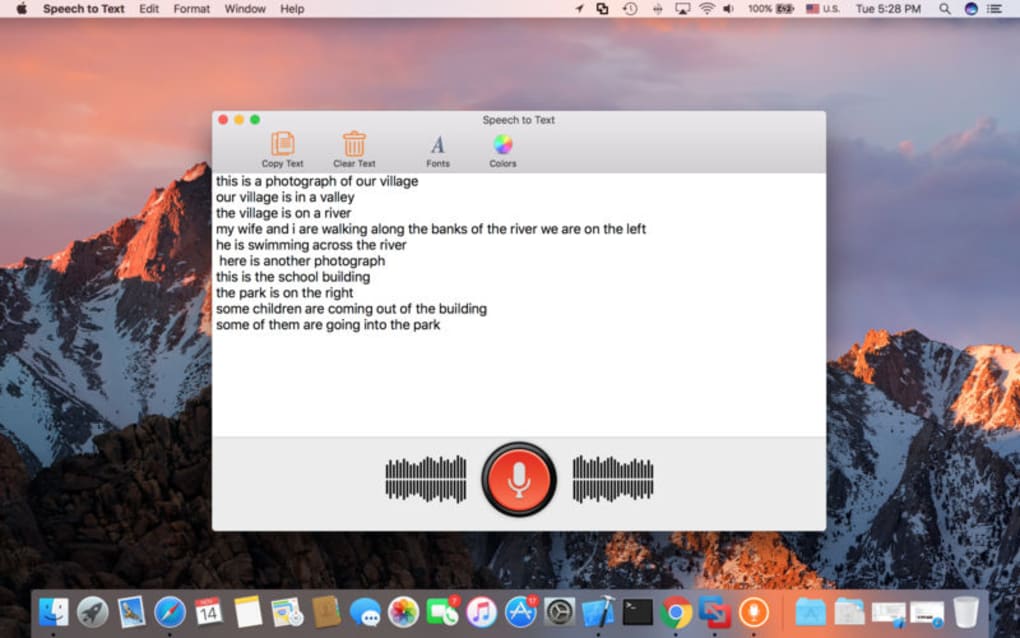
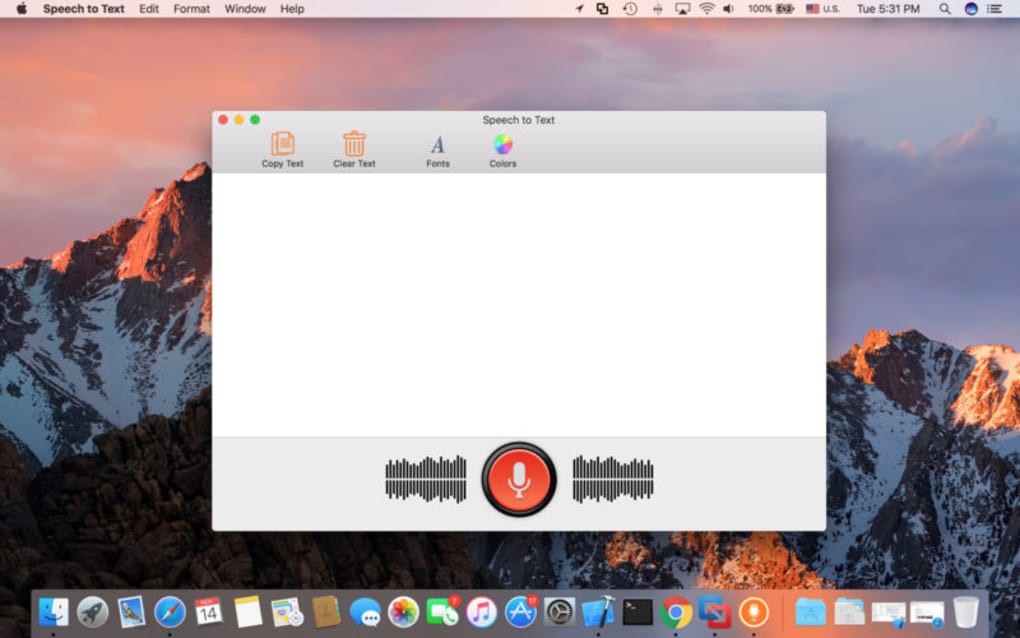
Because it focuses exclusively on transcription, Speech To Text runs efficiently on modest hardware, making it ideal for students, writers, and professionals who need a quick way to capture ideas without typing. The interface is intentionally minimal: a single start/stop button, a volume meter, and a live text pane. While it lacks advanced editing shortcuts, its reliability and speed compensate for the simplicity.
The app works offline, ensuring that your voice data never leaves your computer, which adds an extra layer of privacy for sensitive content. Whether you are drafting a report, composing an email, or taking lecture notes, Speech To Text offers a straightforward, secure solution that bridges the gap between spoken language and digital text.
Key Features
- Real‑time transcription with sub‑second latency.
- Offline processing – no internet connection required.
- Support for multiple microphone types, including USB and built‑in laptop mics.
- Automatic punctuation insertion based on speech pauses.
- Adjustable sensitivity and noise‑cancellation settings.
- Export options to plain text, RTF, or directly copy to clipboard.
- Lightweight footprint – runs smoothly on older Windows 7/8/10 and macOS 10.12+ systems.
- Simple one‑click start/stop control for fast workflow.
- Secure, local‑only processing ensures privacy of spoken content.
- Free of charge with optional donations for continued development.
Installation, Usage & Compatibility
Installing Speech To Text is intentionally straightforward. Download the installer from the official website, then run the .exe (Windows) or .dmg (macOS) file. The wizard guides you through a typical “Next‑Next‑Finish” sequence, prompting you only to accept the license agreement and choose an installation folder.
After installation, launch the app from the desktop shortcut or the Applications folder. The first launch may ask you to select your preferred microphone; simply choose the device that provides the clearest audio. You can test the input level using the built‑in meter; aim for a green zone to avoid clipping.
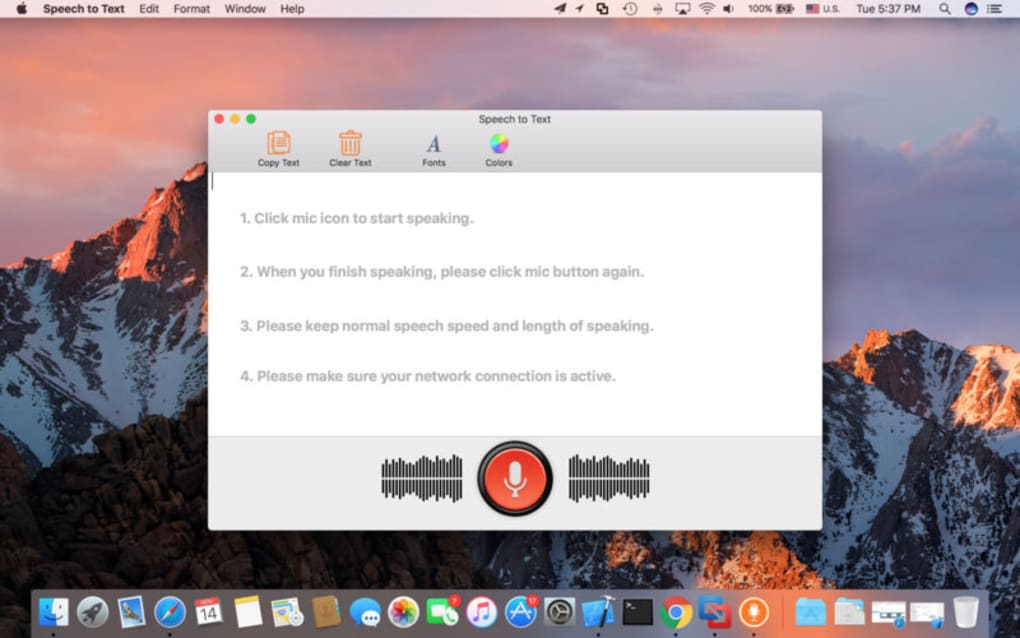
Using the software is as simple as pressing the large “Start” button. Speak naturally – the engine handles variations in tone and speed. As you talk, the text appears in the live pane.
When you pause for more than a second, the app automatically inserts punctuation such as commas or periods. If you need to correct a mistake, you can edit the text manually or use the backspace key. When finished, click “Stop” and either copy the result to the clipboard or click “Export” to save a file in your chosen format.
Supported platforms: Windows 7, 8, 10, 11 (32‑bit & 64‑bit) and macOS 10.12 Sierra through macOS 14 Sonoma. The app requires a minimum of 2 GB RAM and a dual‑core processor; however, it performs best on systems with 4 GB+ RAM and a modern CPU. No additional libraries or runtime environments are needed, making the setup hassle‑free.
Pros and Cons
Pros
- Free to download and use, with no hidden fees.
- Fast, accurate transcription for everyday speech.
- Works offline, preserving user privacy.
- Very low system requirements – runs on older hardware.
- Simple UI that anyone can master within minutes.
Cons
- Lacks advanced editing shortcuts and voice commands.
- No built‑in language packs beyond English (U.S. & U.K.).
- Automatic punctuation may misplace commas in complex sentences.
- Does not integrate directly with popular word processors (requires copy‑paste).
- Support is community‑based; no official 24/7 help desk.
Frequently Asked Questions
Is Speech To Text really free?
Yes, the application can be downloaded and used without any purchase. The developers accept voluntary donations to fund future updates, but none of the core features are locked behind a paywall.
Can I use the software on a laptop without an external microphone?
Absolutely. Speech To Text works with built‑in laptop microphones. For best accuracy, ensure the microphone is not obstructed and that you are in a relatively quiet environment.
How accurate is the transcription compared to paid solutions?
For clear, moderate‑speed English speech, the accuracy typically ranges from 92 % to 96 %. While premium services may offer higher precision and multi‑language support, Speech To Text provides a solid balance of cost‑free usage and reliable performance for everyday dictation.
Does the app store any of my voice recordings?
No. All processing happens locally on your computer, and the software does not upload audio or transcribed text to external servers. This design keeps your data private and secure.
Can I use Speech To Text on a Windows tablet?
Yes, as long as the tablet runs Windows 7 or later and has a functional microphone, the application will install and operate normally.
Conclusion & Call to Action
Speech To Text delivers a no‑frills, dependable dictation experience that feels refreshingly modern despite its simple heritage. By removing command‑based functionality, the developers have crafted a tool that anyone can pick up instantly, making it perfect for students drafting essays, professionals capturing meeting notes, or anyone who simply prefers speaking over typing. While it doesn’t rival high‑end, subscription‑based speech platforms in terms of multilingual support or deep editing shortcuts, its offline privacy, zero cost, and low hardware demand make it a compelling choice for everyday use. If you’re looking for a quick way to turn spoken ideas into written text without compromising security or breaking the bank, Speech To Text is ready for download right now.
Ready to boost your productivity? Click the button below to download Speech To Text for free, install it in seconds, and start dictating your thoughts today.
Speech To Text offers a clean, functional dictation experience that excels in speed and privacy. The free model and offline operation are its biggest strengths, though power users may miss advanced command features.







